Sponsored link
MailOrJail game iconMailOrJail
Guide

Mail or Jail ID Checks: Names, Photos and Box IDs

Compare names, photos, items and order numbers on customer IDs against box IDs. Mismatches identify scammers. Avoid undocumented recognition rules: arrest inputs and error tolerance remain unknown.

mail or jail customer IDsUpdated guide
Quick answer

Compare the customer with the package

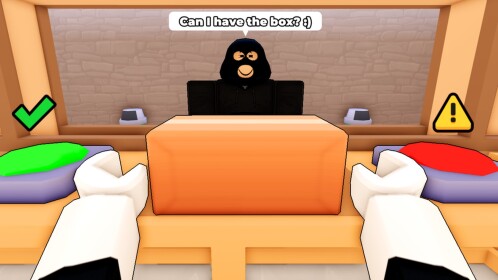
Review the name, photograph, item and order number, then compare the customer ID against the box ID before making the delivery decision.

The official description lists the fields to inspect and links mismatched IDs to scammers. A photo alone is not a complete check; work through the listed fields. Exact error tolerance and control inputs are not documented by this source.

Source checked September 27, 2026: official Roblox description. Named features are confirmed; the missing rules above remain unverified.

ID fields

Make a complete comparison

Name
Inspect this field as part of the customer and package ID comparison. Do not replace it with an appearance-only shortcut.
Photo
Inspect this field as part of the customer and package ID comparison. Do not replace it with an appearance-only shortcut.
Item
Inspect this field as part of the customer and package ID comparison. Do not replace it with an appearance-only shortcut.
Order number
Inspect this field as part of the customer and package ID comparison. Do not replace it with an appearance-only shortcut.
FAQ

Common questions

Which ID fields should I compare?

The official description lists names, photos, items and order numbers. Compare the customer ID with the box ID.

Is checking the photo enough?

No single-field shortcut is established. Work through all four fields listed in the official description.

What does an ID mismatch mean?

The official description connects mismatched IDs with scammers and says to send them to jail.

Which button arrests a scammer?

The public description does not document a platform-specific arrest input. Check the controls presented in your current game session.

Continue checking

Where to go next

Open the next page that matches what you are trying to do in-game.

Related player help